From Paper Files to Digital Bookkeeping: A Client Onboarding Plan
How a Finnish accounting firm can move a paper-based client into a digital workflow without onboarding chaos: client selection, data scope, roles, training and the first month-end close.

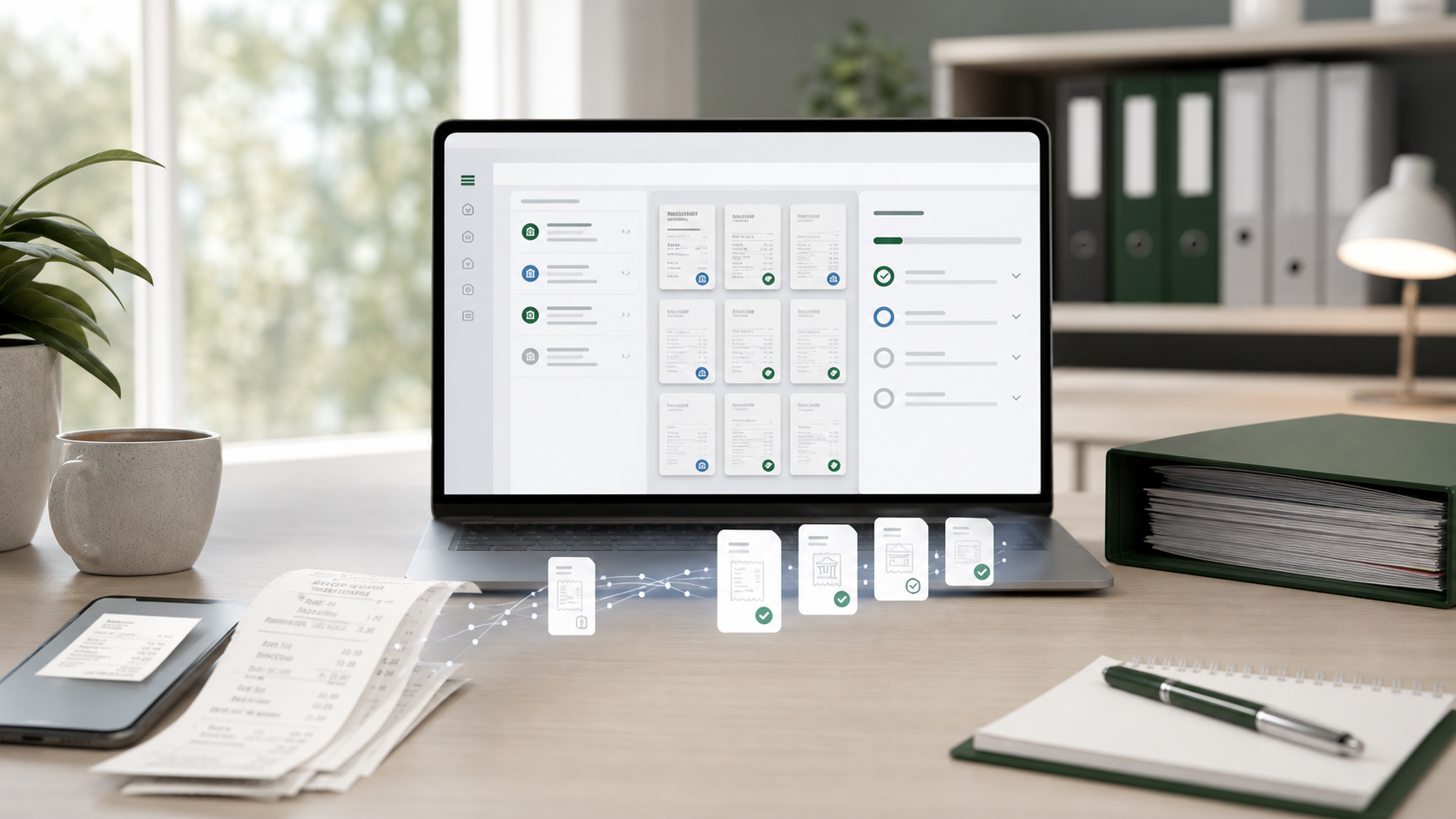
Moving a client from binders, email attachments and loose receipts to digital bookkeeping is not mainly a scanning project. It is a change in responsibilities: where documents enter, who adds explanations, when the material is due and how the accountant knows that the month is complete.
A good migration gives the client one simple routine and the accounting firm a controlled audit trail. A poor one preserves every old habit in digital form.
Start with the right clients
For the first pilot, choose a client with a regular monthly rhythm, a manageable transaction volume, one or two main bank accounts, straightforward sales and purchases, and a contact person who responds promptly. Avoid beginning with major historical errors, an unclear opening balance or several uncontrolled payment channels.
The pilot should teach the firm how to onboard, not force it to solve every difficult accounting case at the same time.
Map the current document journey
For one normal month, write down:
- how sales invoices are issued and paid
- where purchase invoices arrive
- how card and cash receipts are stored
- which bank accounts, cards and payment services are used
- how payroll and expense information reaches the accountant
- which documents usually arrive late
- who answers questions about unclear payments
Do not design the new process from assumptions. A client may say that “everything comes by email” while receipts also live in a phone gallery, glove compartment and paper folder.
Design one clear future workflow
Assign a single primary route to each material type. For example:
| Material | Agreed route | Client responsibility |
|---|---|---|
| Purchase invoices | E-invoice or dedicated document email | Check that new suppliers use the right address |
| Card receipts | Mobile capture immediately after purchase | Add business purpose when it is not obvious |
| Sales | Invoicing system integration | Keep customer and payment data current |
| Bank | Direct bank connection | Explain owner or unusual transactions |
| Payroll | Agreed payroll form and deadline | Submit changes before the pay-run cut-off |
Document what is included in the monthly service and what counts as extra work, such as reconstructing old periods or repeatedly processing late material.
Migrate only the history you need
The correct scope depends on the starting date:
- At the beginning of a financial year, bring opening balances, open receivables and payables, fixed assets, loans and other material balance-sheet items.
- Mid-year, also bring the current year’s ledger, VAT position, filed returns and sufficient detail to reconcile what has already been reported.
- If only document collection changes while the ledger remains in the current system, much less history may be required.
The aim is continuity and traceability, not a perfect digital replica of every old binder.
Train with real tasks
Show the client how to photograph a receipt, forward a PDF invoice, answer a missing-document request, mark a private purchase and find the month-end status. Give a one-page instruction with the exact channel and deadline. Generic training such as “upload documents to the system” is not enough.
The client also needs to know what not to do: no WhatsApp receipts, no duplicate email and mobile submission, no personal purchases on the company card without an explanation, and no waiting until the accountant sends a reminder.
Run the first digital close as a controlled pilot
Check whether all bank activity appeared, every transaction has evidence or an explanation, purchase invoices reached the correct route, receipts arrived on time and no material remains in email or on paper.
Then hold a short review:
- What worked without intervention?
- What remained missing?
- Which instruction was unclear?
- What will be handled differently next month?
- Which exception should be billed or included in a different package?
The accountant must still assess whether a document is sufficient, whether the cost belongs to the business, whether VAT treatment is correct and whether the entry is an expense, asset, loan, salary or owner transaction.
Measure the onboarding
Useful measures include time from transaction to document, missing documents at close, number of client reminders, manual file handling, close duration and reopened periods. Compare the first three digital months with the earlier workflow.
A 30-day plan
- Days 1–5: select the client and map current channels.
- Days 6–10: agree the new material routes, roles and deadlines.
- Days 11–15: create master data and migrate only necessary history.
- Days 16–20: train the client using real documents.
- Days 21–30: complete the first close and review every exception.
Tulos.ai supports mobile documents, email intake, bulk import, bank matching and specific requests for missing evidence in one client workspace. The technology is the easy part; the lasting result comes from one agreed process.
Summary
Digitising a paper client succeeds when the firm narrows the channels, assigns responsibilities, limits migration scope and treats the first close as a pilot. Do not scan the old disorder into a new system. Design the monthly rhythm the firm and client will actually follow.