Bank synced
AI accounting for entrepreneurs and accounting firms
Keep your accounting up to date with less manual work
tulos.ai reads receipts and invoices, reconciles bank transactions and suggests accounting entries with AI. Entrepreneurs see their financial position immediately, while accountants stay in control.
From source material to completed bookkeeping
All material in one place
Photos, PDFs and purchase invoices arrive in the same workspace. Large batches can also be uploaded at once without sorting through email threads.
The workspace shows the status
See what has arrived, what is waiting for processing and what is still missing from the client before month-end close.
Reminders go out in time
Missing material can be requested automatically before deadlines, so VAT reporting does not depend on last-minute chasing.
Bank transactions automatically
Connect a bank account and see income and expenses without manual entries, statement copying or spreadsheets.
Documents matched to the right events
The software connects payments to the correct documents and brings uncertain cases forward for review.
Exceptions are easy to see
Exceptions are surfaced automatically so the accountant can focus on documents that require a decision.
The software suggests accounts and VAT treatment
The posting assistant suggests an account code, VAT treatment and reasoning based on previous bookkeeping and rules.
The accountant stays in control
The accountant approves or corrects suggestions. Uncertain cases remain for review, so automation does not bypass professional judgement.
The most important tasks first
The workspace brings clients, months and exceptions into one view so attention goes to the right items.
VAT return ready for review
The VAT calculation is created from bookkeeping and is ready to review and submit directly to the tax authority.
Profit and loss and balance sheet in real time
Reports update after every approved entry, so the accounting firm and client see the same situation.
Ready for accounting and taxes
When bank transactions, receipts and invoices are in one place, monthly reporting and tax work move faster.
See AI at work
Scan a receipt - AI does the rest
No manual typing, no hunting for account codes. Confirm the suggestion with one click.
K K-Rauta Lanterna
Varikkotie 2 B, 00880 Helsinki
Exterior paint 18 L108.90
Spruce wall panel 120 m320.00
Nails 200 pcs24.90
VAT 25.5 % 92.21
Total 453.80 €
Thank you for your visit!
Bookkeeping entry
- Supplier
- Date
- Account
- VAT class
- Amount
tulos.ai command bar
Move faster. Stay in control
The tulos.ai command bar brings navigation, search, questions and AI actions into one place. Ask for what you need. AI prepares multi-step work with one command, without clicking through menus.
Documents become entries
Receipts and invoices become reviewable posting suggestions. AI extracts supplier, amounts and VAT data also from Finnish, English and Swedish documents.
An assistant that explains
Ask tax and accounting questions directly in the service. The assistant answers using current guidance and shows sources so decisions can be checked.
A workspace for exceptions
See company status, open tasks and events requiring review in one view. Route routines to AI and focus on exceptions.
AI expert questions
Tax authority and accounting guidance without hours of searching
AI searches for an answer based on Finnish Tax Administration and Accounting Board guidance, current legislation, structures it into a readable format, maps the entry to your chart of accounts and shows source links. You can verify the information with one click.
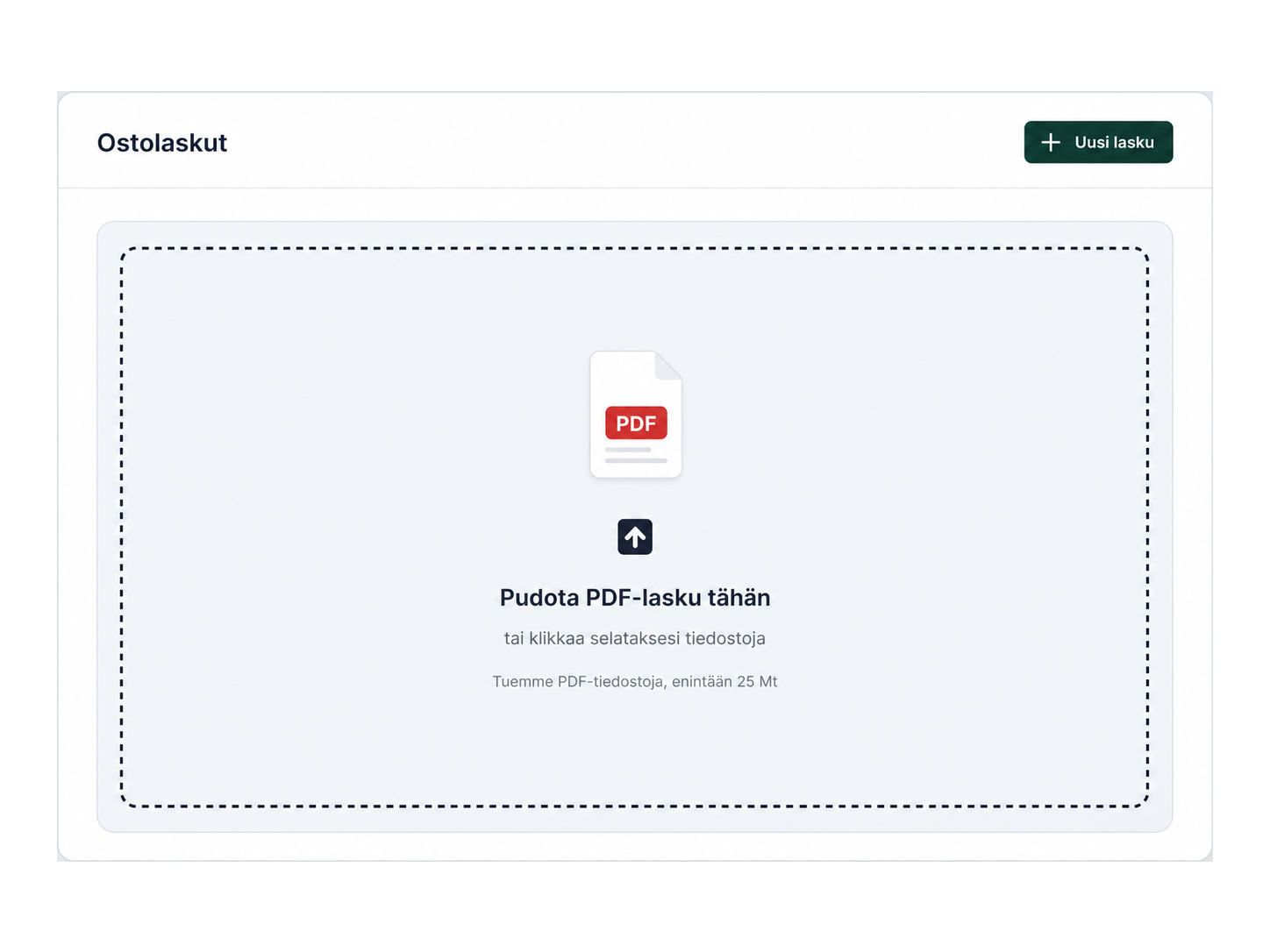
Collect monthly material without friction
Upload receipts, invoices and documents to the software in one go. tulos.ai reads the material, stores it and routes it to the right process without end-of-month document chasing.
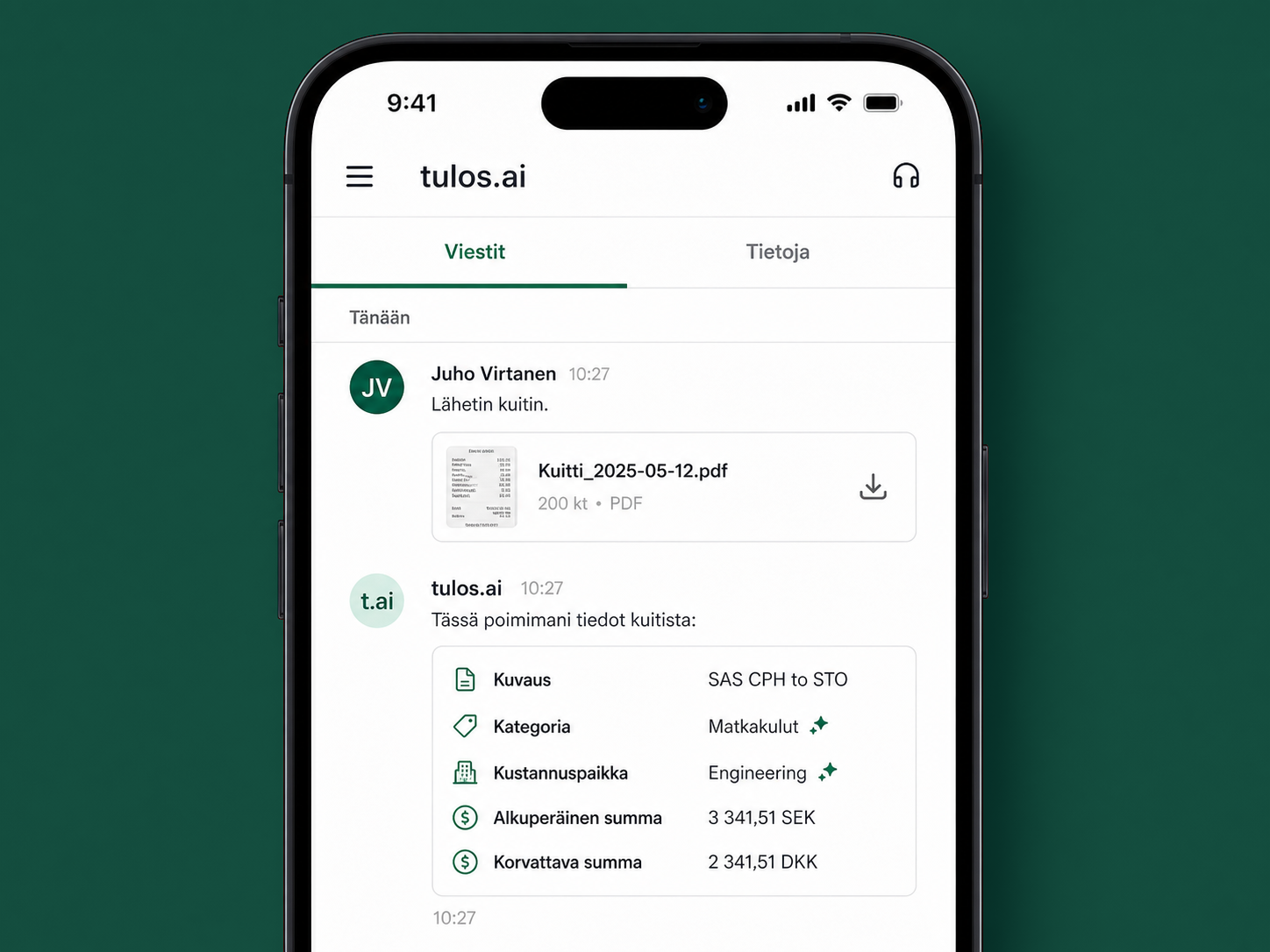
Accounting travels with you
Use tulos.ai at the office or on the move. The whole software also works on mobile, so you can review receipts, approve entries and follow company finances anywhere.
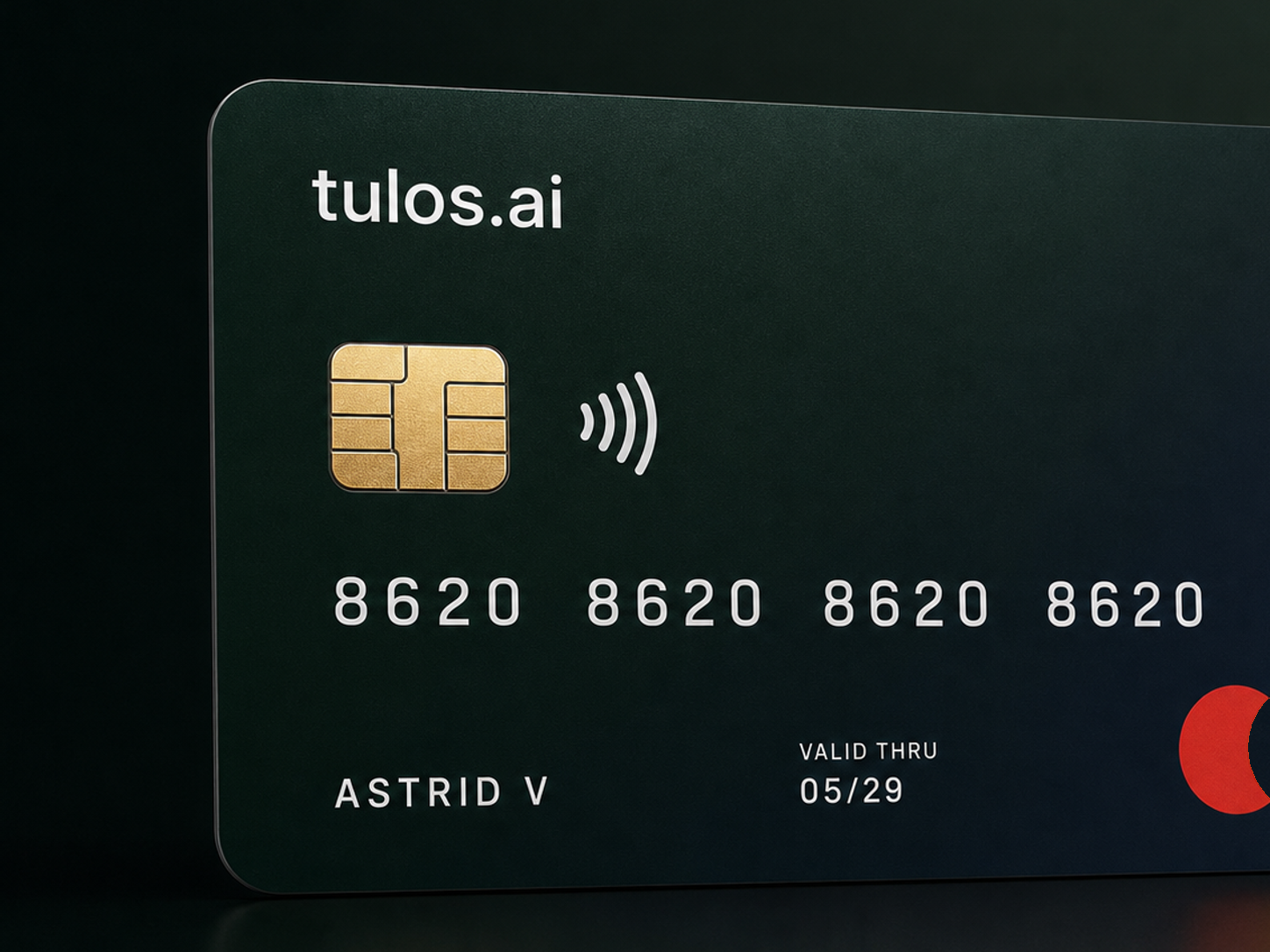
Expenses under control automatically
Sync bank transactions, match receipts and purchase invoices to payments and follow company expenses in one place.
Modern financial administration software for accounting firms that want more automation
tulos.ai connects receipts, bank transactions, e-invoices, VAT returns and reports into one workflow. The company and accountant see the same status without separate file transfers.
AI bookkeeping and posting suggestions
AI suggests the account, VAT treatment and matching based on previous bookkeeping and document data.
AI document reading and batch upload
Upload receipts, PDFs and purchase invoices in batches. AI extracts supplier, amounts, dates and VAT data.
Bank connections and automatic matching
Import bank transactions through a bank connection and match payments to the right documents without copying by hand.
E-invoicing and purchase invoice handling
Send sales invoices and receive purchase invoices as e-invoices in the same service.
VAT returns and official filings
Create the VAT calculation, review the return and submit it electronically from the service.
Real-time reports
Profit and loss, balance sheet, cash flow and comparisons update with approved entries.
Month-end close and missing documents
See unfinished transactions, exceptions and missing receipts before reporting.
Shared use with an accountant
Add the entrepreneur, accountant and other users to the same workspace without separate file transfers.
Pricing
Find the right package for your company
See company software packages and accounting services on one pricing page. Accounting firm pricing has its own page.
Frequently asked questions
Who is tulos.ai best suited for?
tulos.ai is suited for entrepreneurs who want to handle bookkeeping with AI support and for accounting firms that want to automate routine work and serve more clients with the same team.
What does tulos.ai automate in practice?
tulos.ai reads receipts and invoices, suggests accounts and VAT treatment, matches bank transactions, surfaces exceptions and keeps reports up to date. A person reviews the result and approves the important decisions.
Can tulos.ai be introduced alongside the current process?
Yes. Adoption can start step by step without stopping the current process. You first see how automation works with your own material and can expand use afterwards.
How quickly do the benefits show?
Benefits often appear immediately: less manual entry, faster matching and clearer exceptions. The overall impact depends on client volume, material quality and the amount of work being automated.
Does AI make decisions on behalf of the accountant?
No. AI prepares routine work for review and explains its suggestions. The accountant or entrepreneur can approve, edit or reject the suggestion, and responsibility stays with a person.
How are security and data handled?
tulos.ai is built for financial administration data. Access rights, audit trail, role-based access and careful data handling are part of the basic architecture, not add-on features.
How does onboarding proceed?
The start is practical: select the first company or pilot clients, import the necessary data, test automation suggestions and agree which workflow steps move to tulos.ai. If you need help with onboarding or migration, contact us and we will help with the transition.
Latest

The Accountant's Month-End Worklist: What to Automate and What to Review
A practical worklist for Finnish accounting firms: automate document collection, matching and reminders while keeping VAT exceptions, owner transactions and final close under professional review.

Service Models for Toiminimi and Micro-Oy Clients
A sole trader and a micro limited company should not receive the same accounting package. Build service tiers that give each client the right support while protecting the firm's margin.

From Paper Files to Digital Bookkeeping: A Client Onboarding Plan
How a Finnish accounting firm can move a paper-based client into a digital workflow without onboarding chaos: client selection, data scope, roles, training and the first month-end close.
AI Bookkeeping in Finland: How Automated Account Coding Really Works
AI bookkeeping can read receipts and bank transactions, suggest accounts and VAT treatment, and route uncertain cases to an accountant. Here is how to assess it in a Finnish bookkeeping workflow.
Get in touch
Send us a message and we’ll usually get back to you the same day. Our support team is available every day from 9:00 to 21:00.